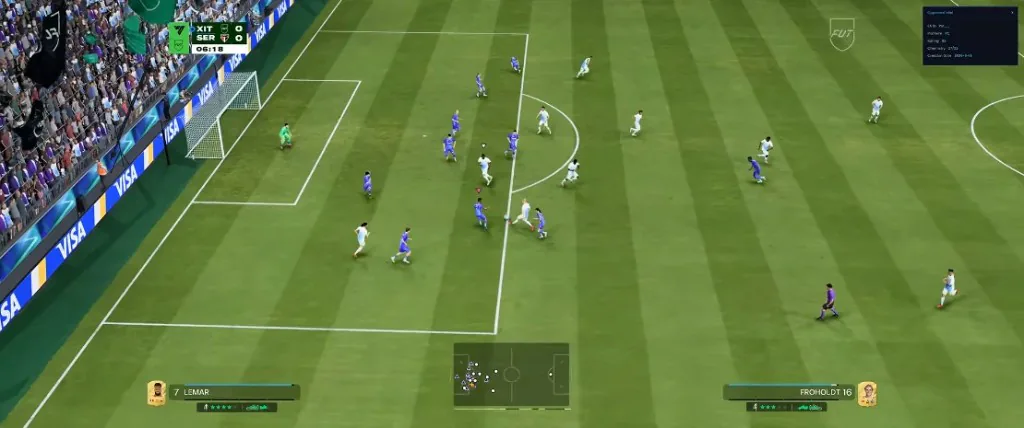
The FC 27 Ultimate Team group covers FUT-focused toggles such as NoLoss, division and Champions spoofers, draft modifiers, and pack animation skips. Each option is listed separately on the product page so you can enable only what you need for Rivals, Champions, Draft, or general Ultimate Team sessions.
NoLoss is the most searched Ultimate Team control. It is designed to reduce or avoid recorded losses when the toggle is on and the build on the Status page is marked Undetected. Champions Win/Loss Spoofer and Champions Round Spoofer are separate toggles — they are not bundled under one Champions switch.
Ultimate Team options work independently from gameplay sliders and Pro Clubs editors. Opponent Name / Platform, Draft Round Modifier, Skip Pack Animation, and Instant Moment stay in this group rather than under gameplay or utilities.
Recommended FC 27 Ultimate Team Settings
Start with the Status label on the Status page. If the build is Green, open the Ultimate Team section and enable only the toggles you plan to use in that session. NoLoss and Champions tools are separate — turning on one does not activate the others.
For Champions weekends, decide whether you need the win/loss spoofer, the round spoofer, or both before you load. Division Spoofer affects how your division is presented in matchmaking-related contexts and is listed apart from Champions controls. Skip Pack Animation and Instant Moment are quality-of-life toggles for faster reward flow — they do not replace gameplay sliders.
If an option is not named on the product page, this site does not claim it. After an EA Sports FC 27 patch, recheck the Status label before you load Ultimate Team tools again.